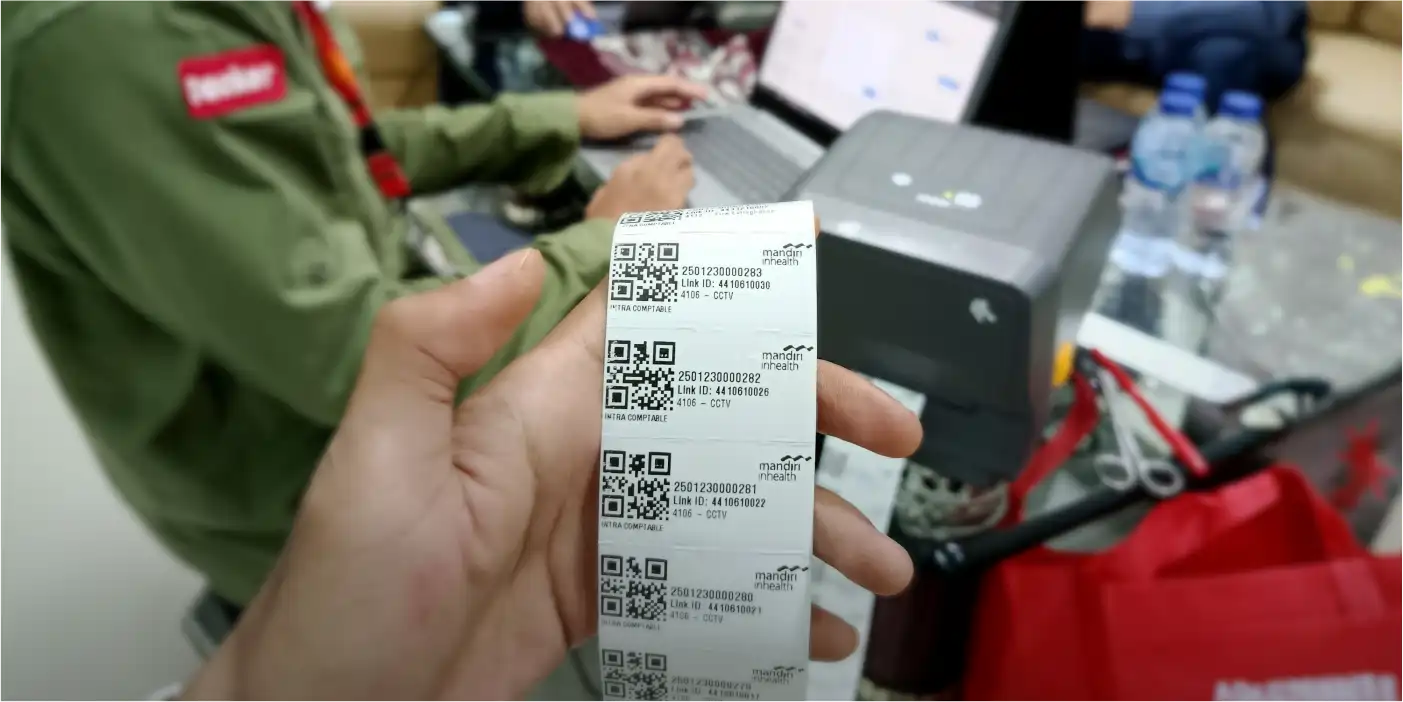
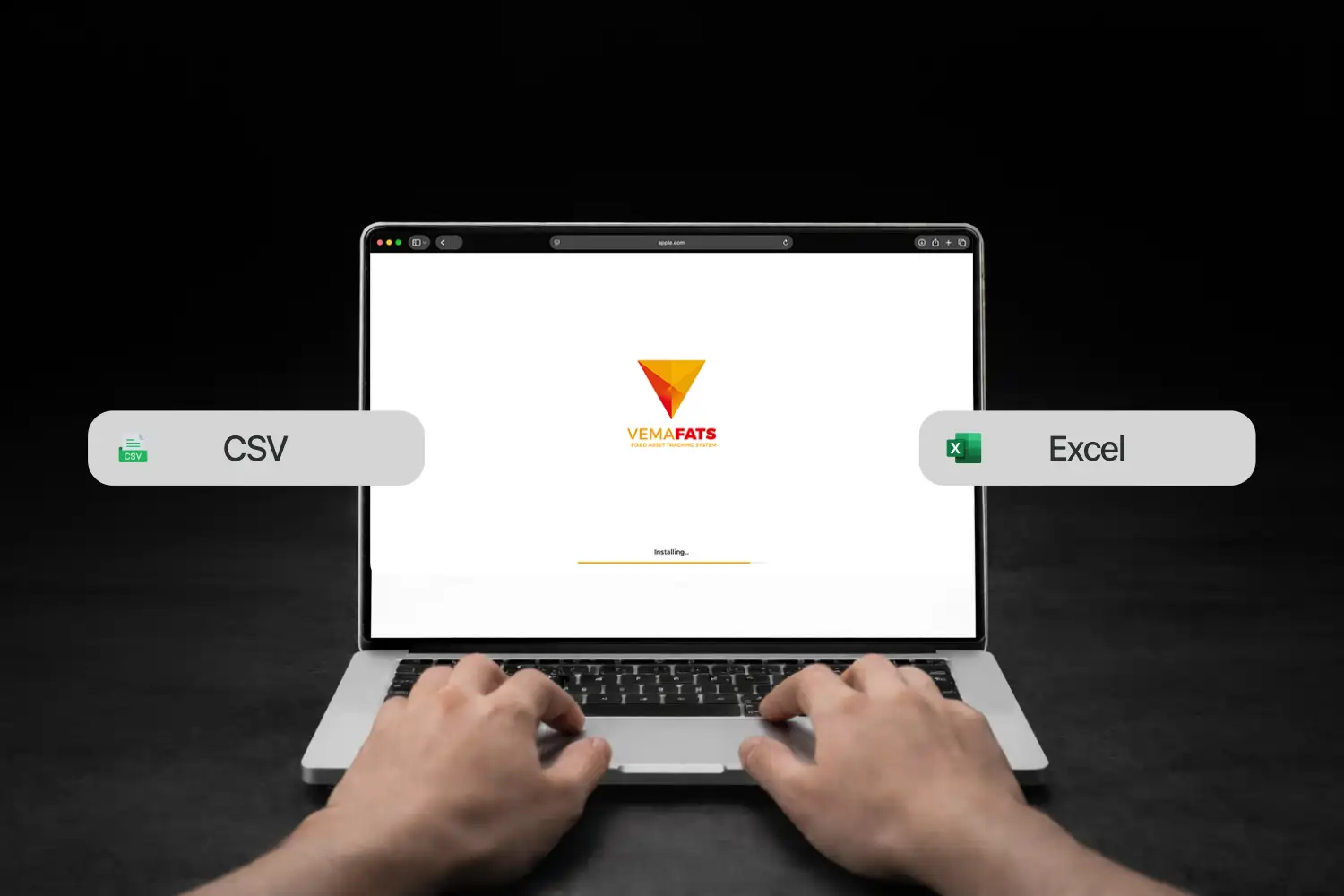
Migrasi Data Aset Asset Data Migration to VemaFATS Clean, Valid, Ready to Use We help move your asset data from Excel/ERP/legacy systems into VemaFATS with accurate mapping, cleansing, and validation Request a Proposal / Free Consultation Why does data migration so often go wrong? It’s not just copy-paste. Asset data usually comes in many versions and inconsistent formats Files Scattered Everywhere Too many different Excel files — hard to tell which data is final Duplicates & Double Codes One asset recorded more than once Non-Standard Names/Categories Inconsistent naming makes data hard to search and match Unclear Location & PIC Empty columns make ownership hard to assign Inconsistent Column Structures Each department uses its own format Inconsistent Data Formats Tanggal/angka beda format, import sering gagal What the VemaFATS Team Does We clean it up first, then migrate — so your data becomes a “single source of truth” Data Review & Mapping Align your legacy column structure to the VemaFATS format Cleansing & Deduplication Remove duplicate data and clean up asset naming Category & Location Standardization Make asset categories and locations consistent and easy to filter Validasi Field Wajib Complete key data such as ID, location, PIC, and status Import Bertahap & Uji Sample Safe, staged import with results checked first What You Receive The migration output isn’t just imported data — it’s data that’s ready for daily operations Clean & Structured Asset Data Data that’s clean, consistent, and duplicate-free Ready-to-Use Asset Register Assets are in the system and ready for daily operations Master Data Template A standard format to keep future data entry consistent Log Perubahan / Ringkasan Cleansing Cleanup notes: merges, duplicates, and key corrections Our Data Migration Method Simple step Kumpulkan Data & Scope Data Structure Mapping Cleansing & Standardisasi Import & Validasi Finalisasi & Handover 01 Kumpulkan Data & Scope Define the data source, number of assets, and the fields you want to use. 02 Data Structure Mapping Map your legacy columns to the VemaFATS structure (category, location, PIC, etc.). 03 Cleansing & Standardisasi Clean up formats, remove duplicates, and complete the required fields. 04 Import & Validasi Import in stages, spot-check samples, and correct any mismatches. 05 Finalisasi & Handover Hand over the final data + a standard template so future entries stay consistent. FAQ Asset Data Migration Which data sources can be migrated? Excel, ERP, legacy asset apps, or a combination of several data sources. If my data has many versions, can they be merged? Yes. We handle the mapping and deduplication to produce one final dataset. Can we keep our existing asset codes or IDs? Yes — with the Link ID feature, the system still recognizes your old code format without needing to create new codes and labels. Can we still enter new asset data during migration? No. The data must be gathered into one source and one format, then validated and migrated all at once. Does it include cleaning up asset categories & other classifications? Yes — migration also includes tidying up the hierarchy, structure, and grouping of your data. Can we still enter new asset data during migration? Not until the migration is complete. In the meantime, new assets can be entered in a temporary document. Can legacy data from a previous system be migrated?