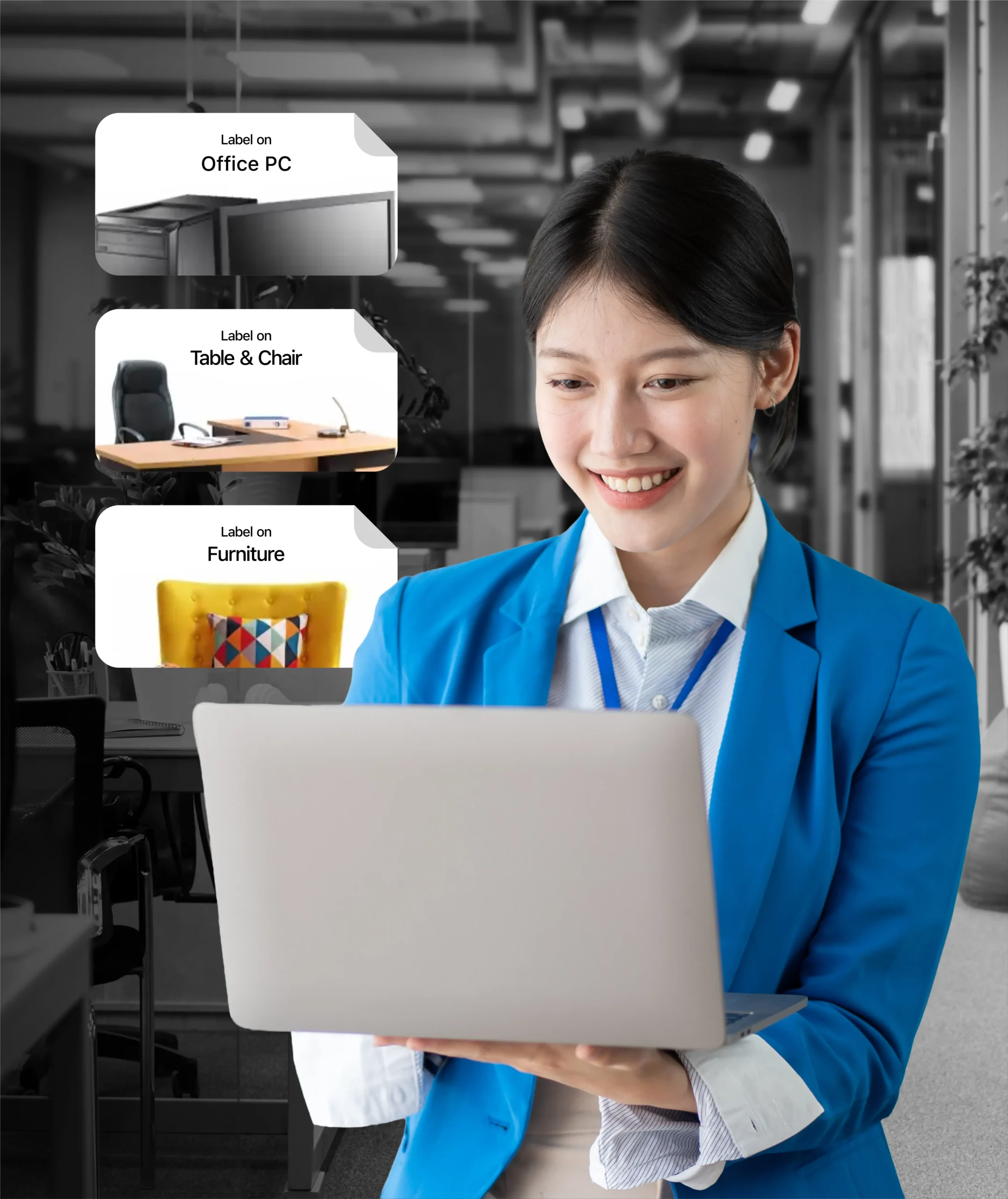
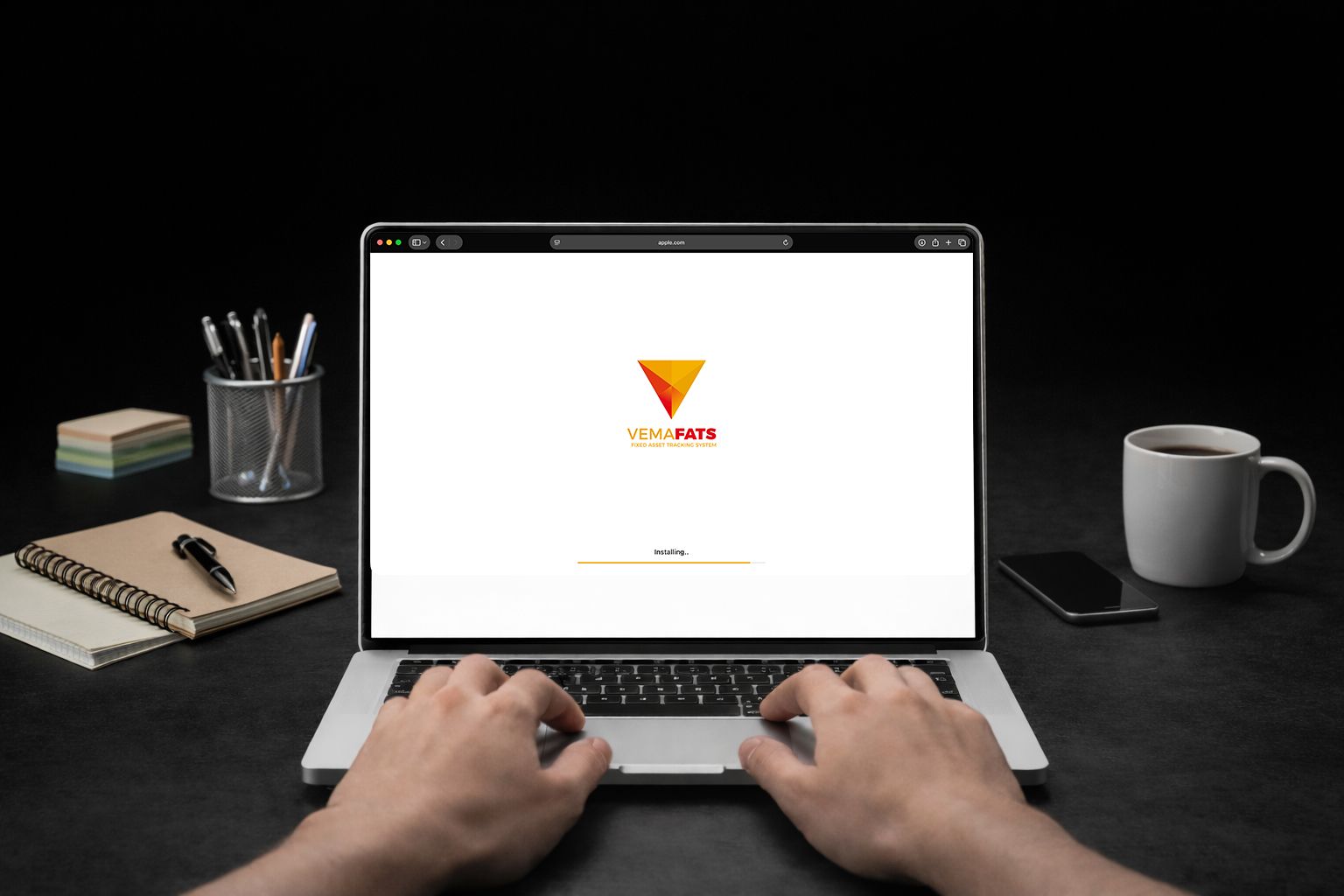
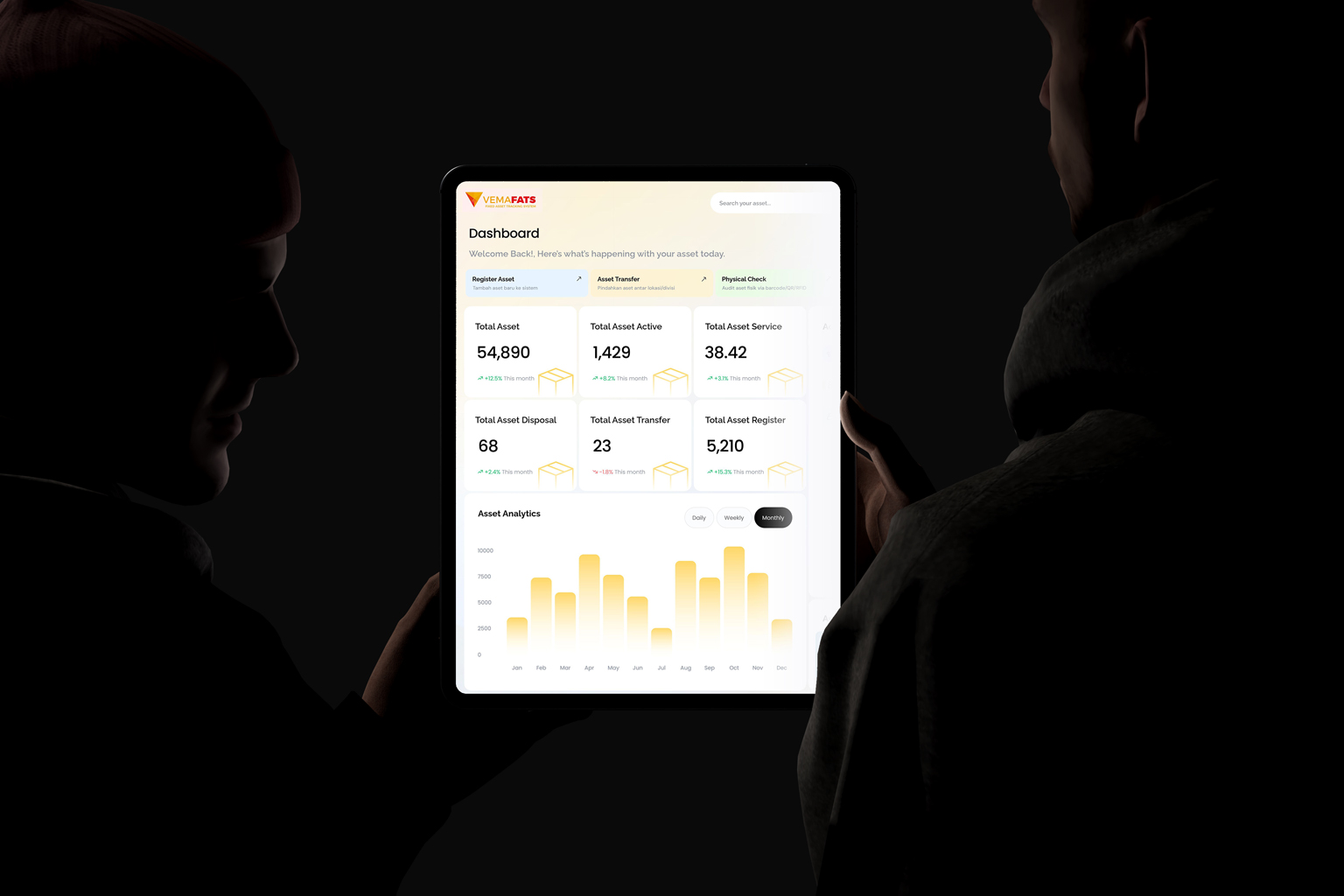
Build your company structure: branches, floors, rooms, departments, and storage. Set asset categories (IT, furniture, operational), data fields, and user access rights by role.
02
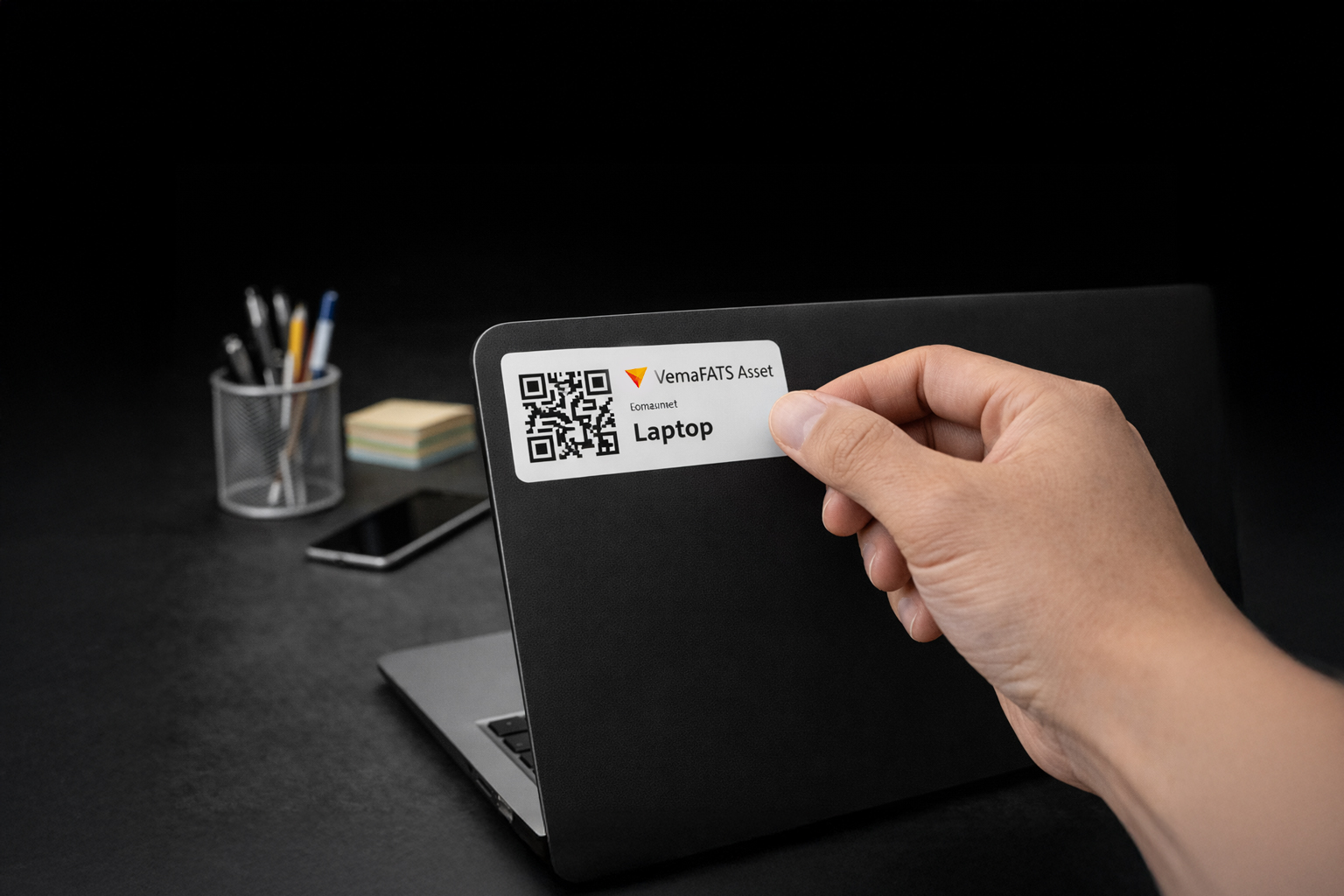
Print & Apply Asset Labels
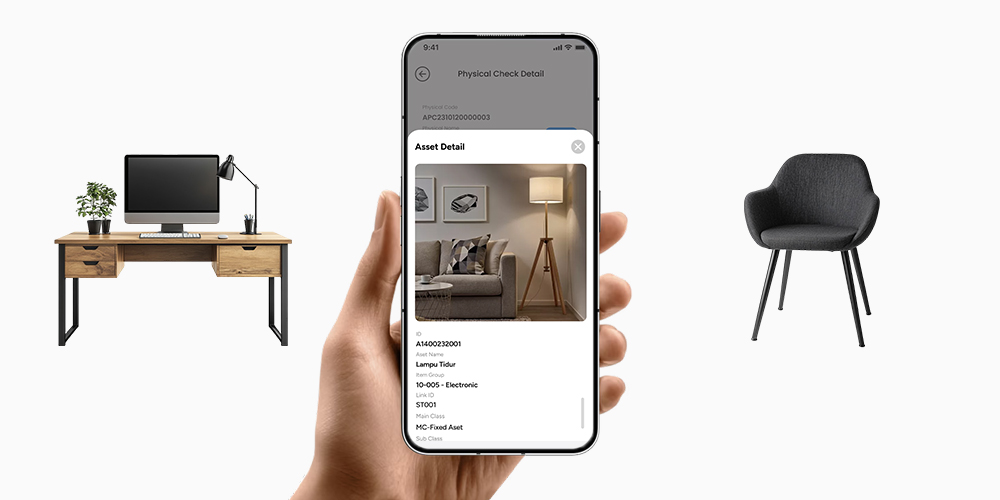
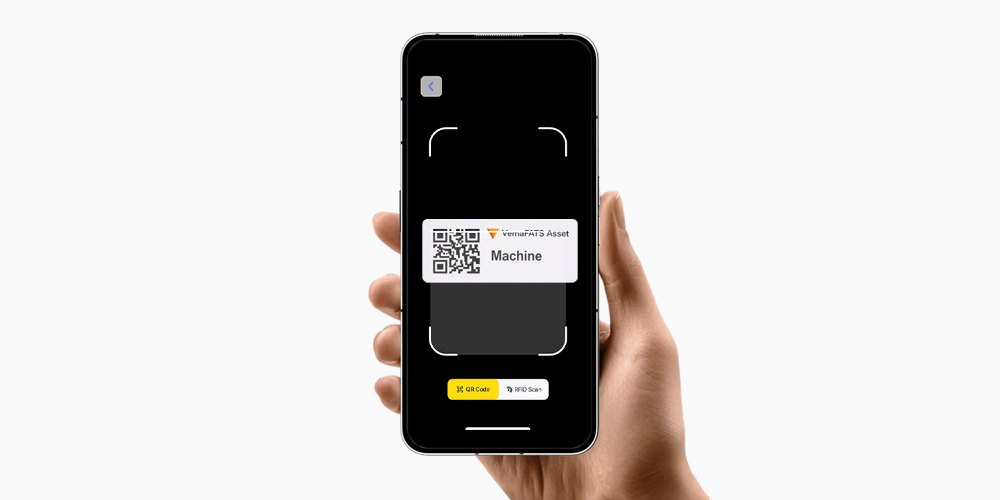
Give assets like laptops, PCs, printers, chairs, and projectors a unique QR/Barcode identity — easy to verify and no longer “unidentified”.
03
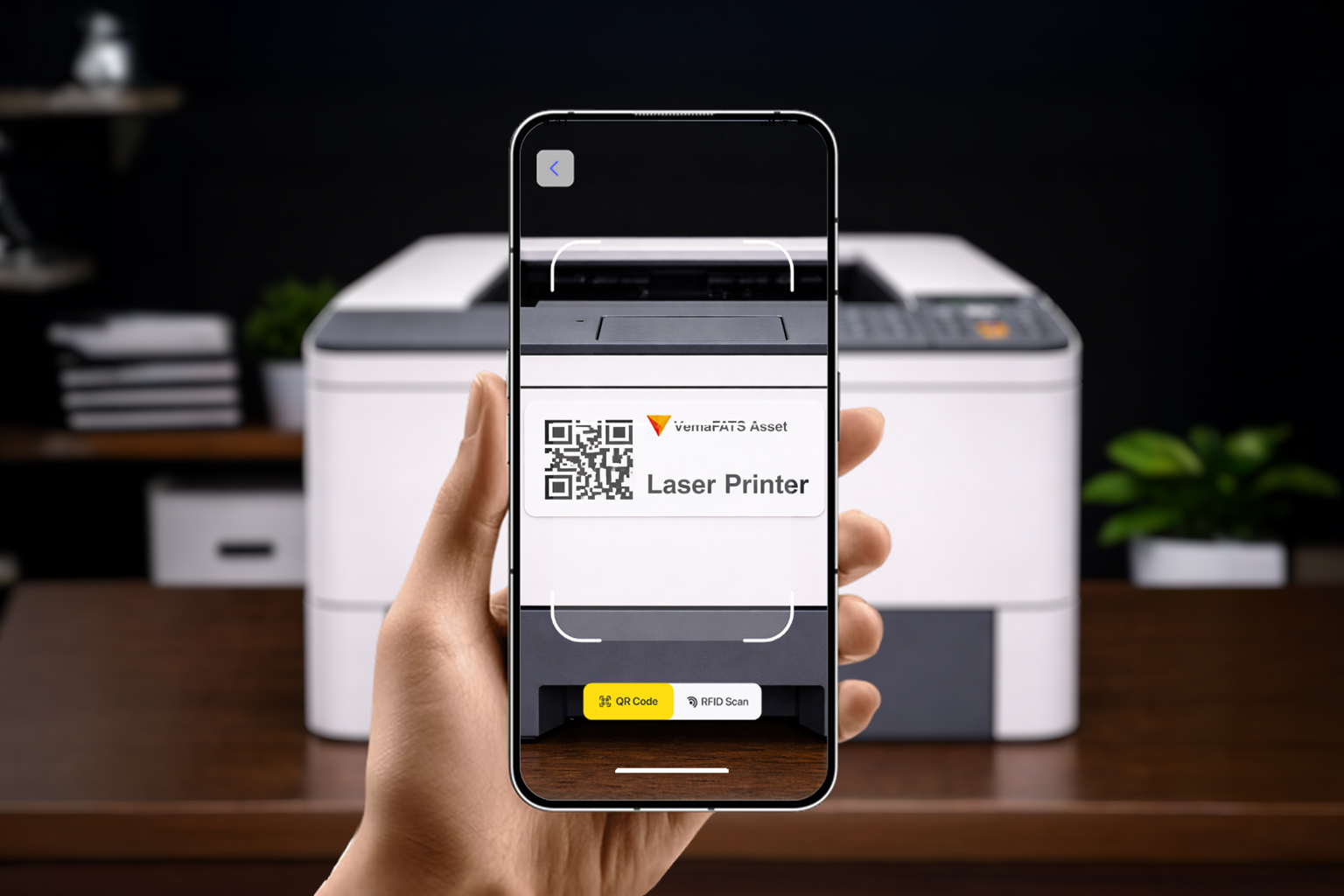
Scan & Update via Mobile App
Scan to update location, PIC, condition, and status (in use, standby, servicing). Changes are saved in real time, so data is always up to date.
04
Reporting & Analytics
Pull inventory reports by branch/room, a list of not-yet-found assets, movement history, and condition summaries. Export to Excel/Google Sheets for audits and decision-making.
Perubahan
What Changes After Using VemaFATS?
Cleaner inventory, faster checks, and safer audits.
Cleaner office asset inventory
One data source for all assets — no more messy Excel versions.
Faster stock-taking
Scan QR/Barcode in the field; results update automatically and are ready to summarize.
Assets easy to track
Monitor location, PIC, and asset status anytime.
Maintenance & condition under better control
Service/warranty history is neatly recorded for specific assets.
Fewer audit discrepancies & lost assets
Clear movement trails make investigations faster and more accurate.
FAQ
Frequently Asked Questions (FAQ)
Hotel Asset Management Software
Which assets can be managed?
All office assets: IT, furniture, operational equipment, and more.
Does it support multiple branches?
Yes. The location structure can be built per branch/floor/room.
Does it support QR/Barcode?
Yes. Scanning makes stock-taking and physical verification easy.
Can it manage PICs and handovers?
Yes. Assignments & transfers are clearly recorded.
Can reports be exported?
Yes, export to Excel and connect to Google Sheets.
Keamanannya bagaimana?
Role-based access + a full audit trail of user activity.
Our Office Client
Our company was founded in 2015. We work daily to become better and we are ready to share best practices.