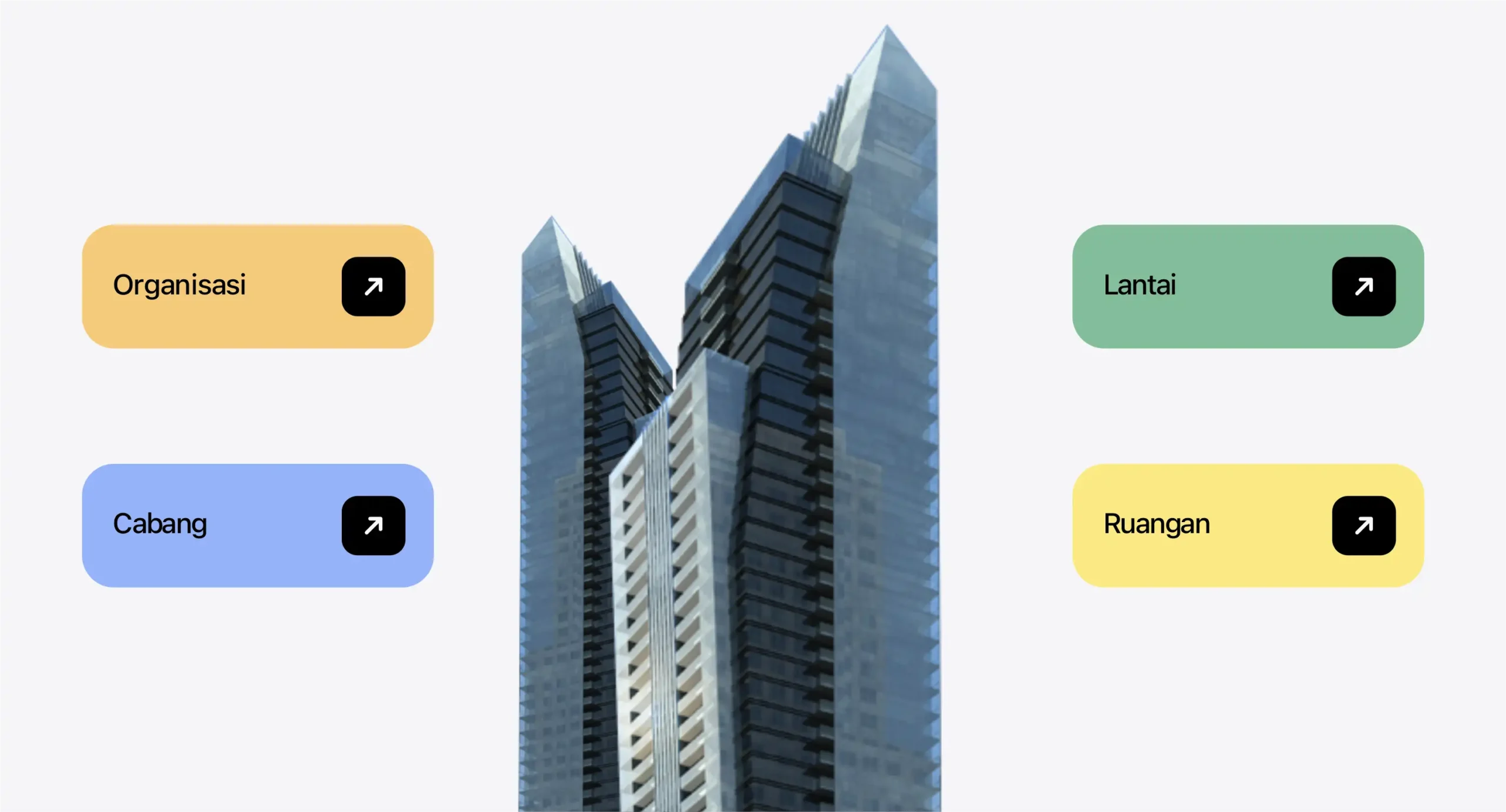
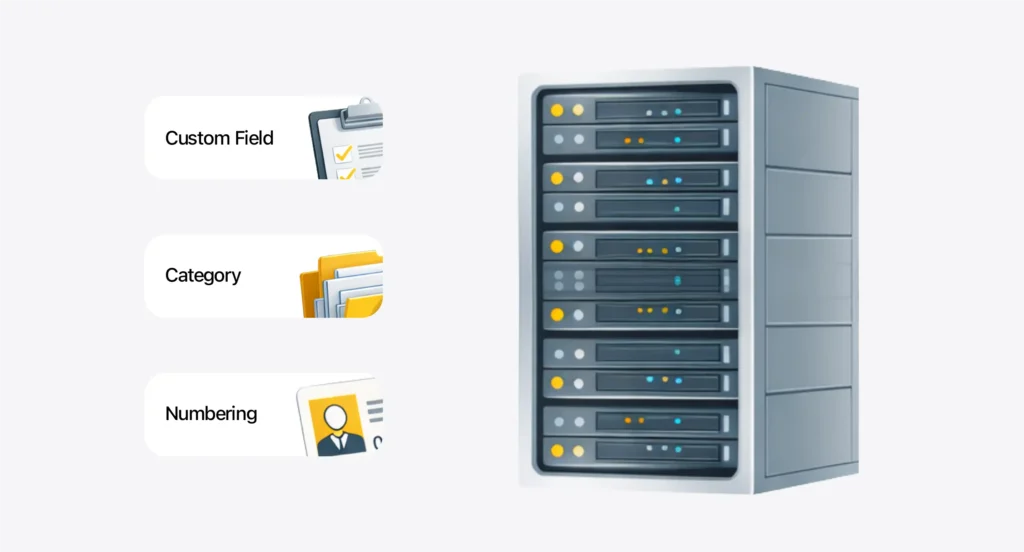
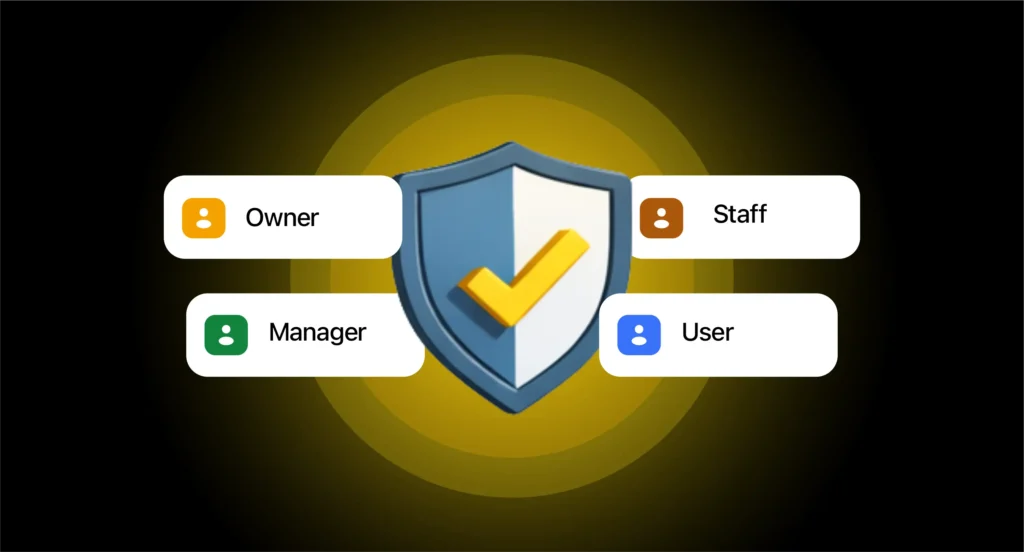
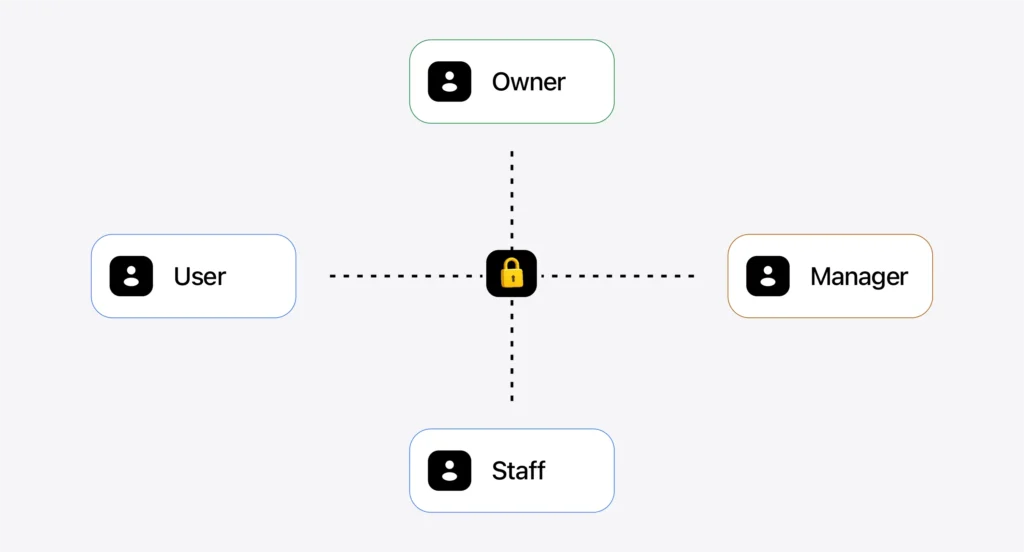
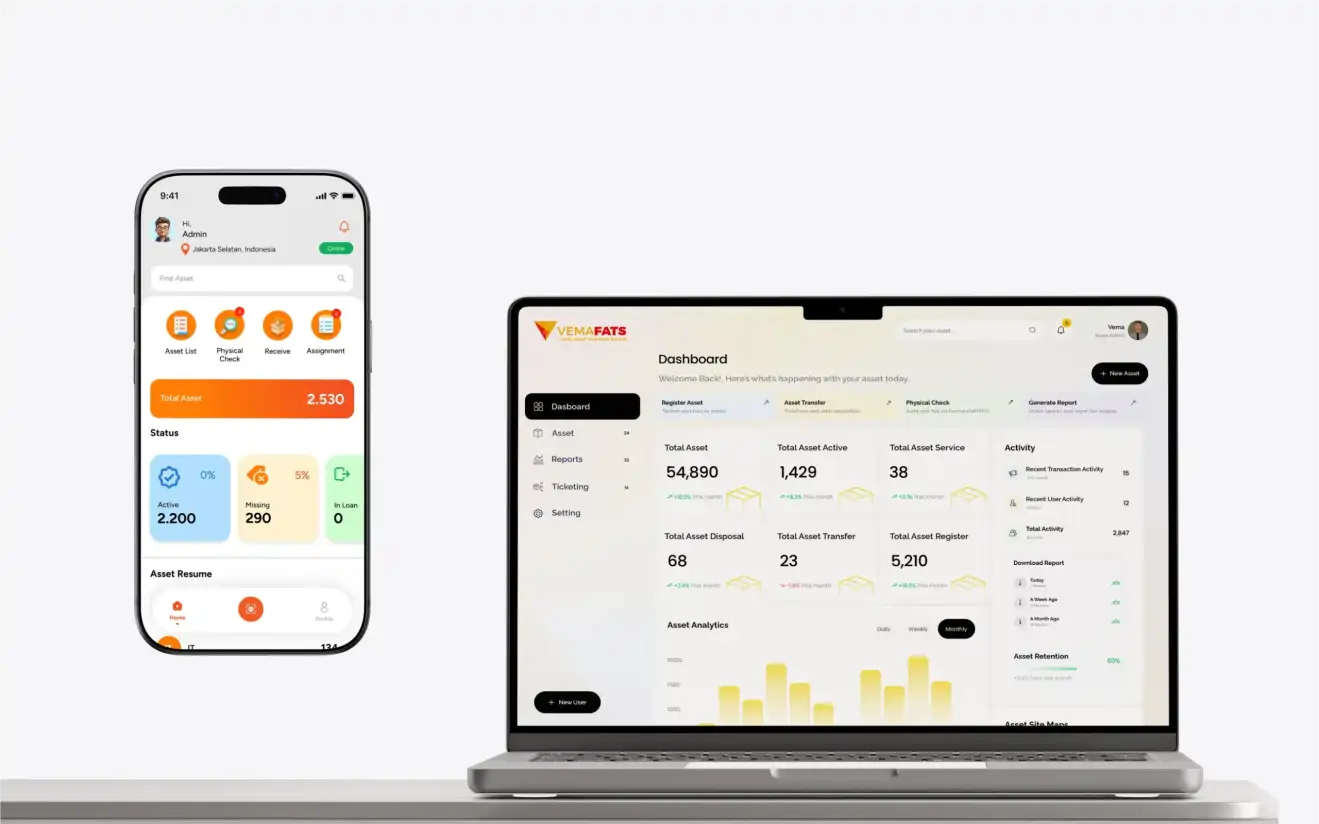
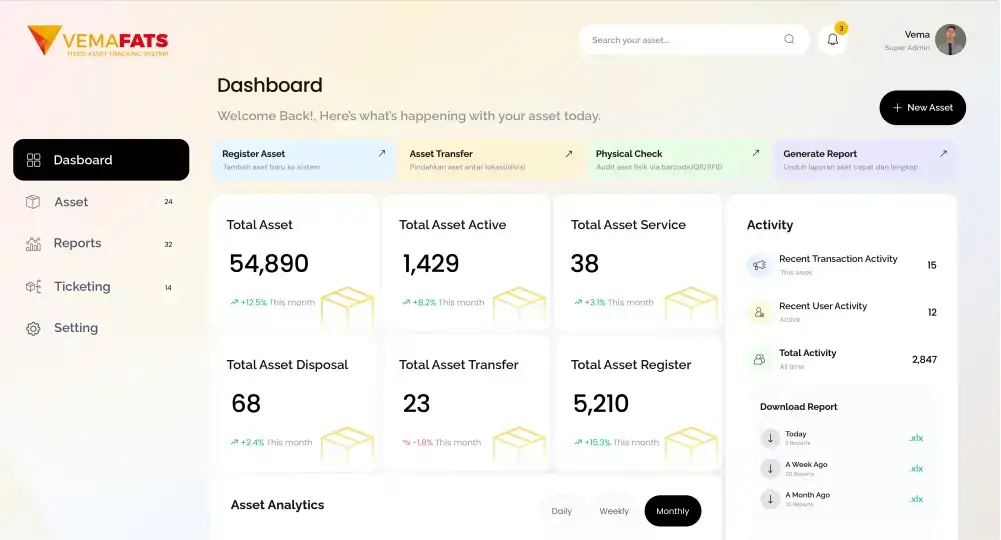
Implementasi & Setup VemaFATS Implementation & Setup Asset Management Implementation We help configure VemaFATS to fit your company structure — locations, users, data, workflows, and reports — until your team is ready to operate Request a Proposal / Free Consultation Common Problems Why do stock-takes so often drag on or fail when done manually? Setup that doesn’t fit your structure Locations, roles, and flows don’t match how the company actually works Master data isn’t clean yet Messy codes/names/categories make transactions chaotic Users confused by the workflow They don’t get how to use it, so they fall back to Excel Unclear SOPs & training No standard guide, so everyone uses it differently Reports that don’t fit your needs Output that doesn’t suit management, audit, or operations Unclear PIC & ownership idak jelas siapa input, cek, dan approve What We Set Up What the VemaFATS team sets up for you Location & Organization Structure Cabang, gedung, lantai, ruangan, departemen, cost center, project Master Data & Standardization Asset categories, required fields, custom fields, asset numbering/IDs, status & condition User, Role & Access Control Role-based access: who can see what, input what, and approve what Workflow & Approval Set approval levels, delegation, and transaction flows for better order Scanning Flow (Web & Mobile) Set up QR/Barcode/RFID/BLE, label standards, scan flows, and device usage Dashboard & Reporting Dashboard ringkas, report inti, filter data, export Excel/Google Sheet What You Receive After implementation, the system is ready for daily use — not just “installed” System Ready to Operate (Web + Mobile) Location structure, users, roles, and active modules per your scope Data Templates & Master Data Import templates/input formats + naming & category rules for consistency Concise SOPs + Team Training A short guide & admin/user training so you can start right away Ready-to-Use Dashboard & Reports Core reports for asset control and audit/management needs Setup Documentation & Handover A configuration summary + best-practice usage recommendations. Custom Modules Features or modules that can be tailored to your business process flow User Management Manage unlimited user accounts. Add as many users as you need, with no limits. Approval Management Set approval patterns for various transactions Data Sync Data transactions can be synced to other applications that need them CMMS Plan, track, and optimize asset maintenance activities CIP/AUC The system can record and manage assets throughout the construction and assembly cycle ROU with PSAK 73 Right of Use — a module for calculating lease-asset treatment in line with PSAK 73 accounting standards Insurance The insurance module manages asset-related insurance claim activities Inventory A system module for recording transactions of inventory-type items FAQ VemaFATS Implementation & Setup Does implementation have to be one big rollout? No. It can be rolled out gradually by location/division for a fast go-live with minimal disruption. If our asset data is still messy, can we still start? Yes. We provide templates and input standards, or you can use our data migration service. Does it include QR/Barcode/RFID setup? Yes, we help set up your label & scanning flow to fit your needs and devices. Can it handle all data across multiple branches / companies? Yes. VemaFATS supports multiple locations and entities with flexible access control. Can the report templates be customized? Yes. Core reports plus custom/filtered reports are available for your control & audit needs. Is there training for the team? Yes. Admin and user training, plus concise SOPs so your team can start right away.