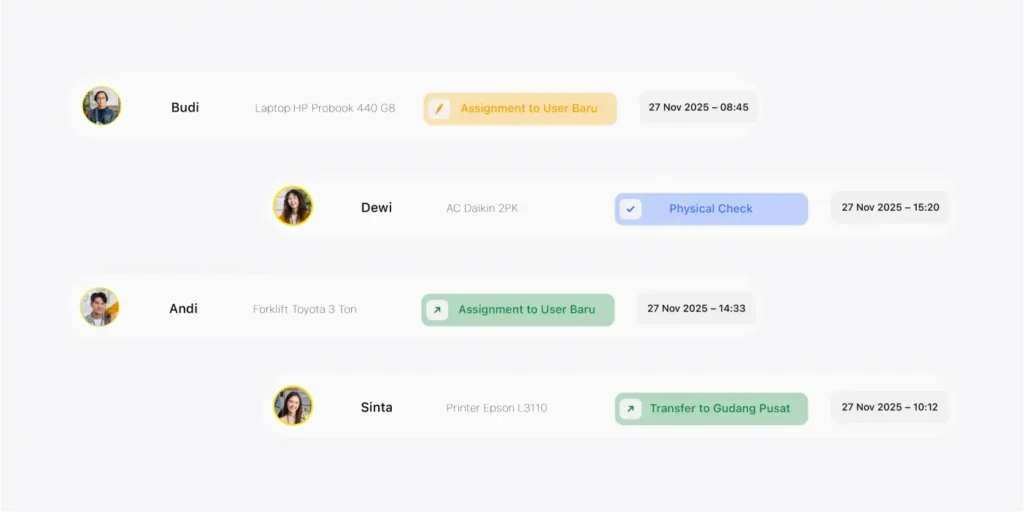
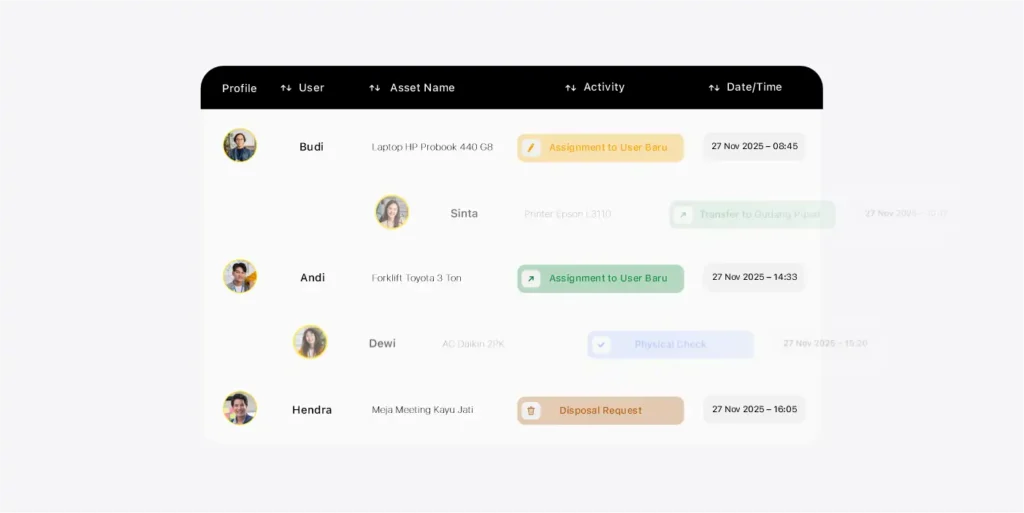
It’s not just copy-paste. Asset data usually comes in many versions and inconsistent formats
Files Scattered Everywhere
Too many different Excel files — hard to tell which data is final
Duplicates & Double Codes
One asset recorded more than once
Non-Standard Names/Categories
Inconsistent naming makes data hard to search and match
Unclear Location & Custodian
Empty columns make ownership hard to assign
Inconsistent Column Structures
Each department uses its own format
Inconsistent Data Formats
Tanggal/angka beda format, import sering gagal
What the VemaFATS Team Does
We clean it up first, then migrate — so your data becomes a “single source of truth”
Data Review & Mapping
Align your legacy column structure to the VemaFATS format
Cleansing & Deduplication
Remove duplicate data and clean up asset naming
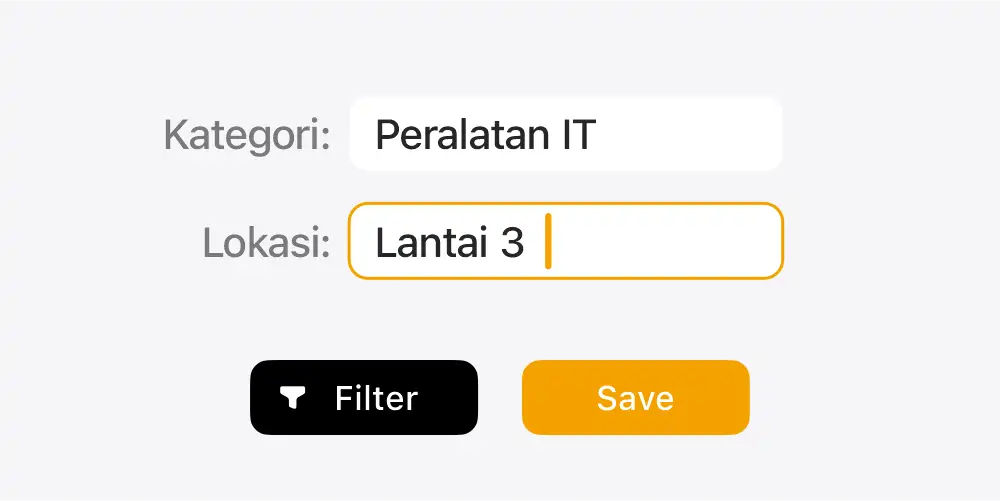
Category & Location Standardization
Make asset categories and locations consistent and easy to filter
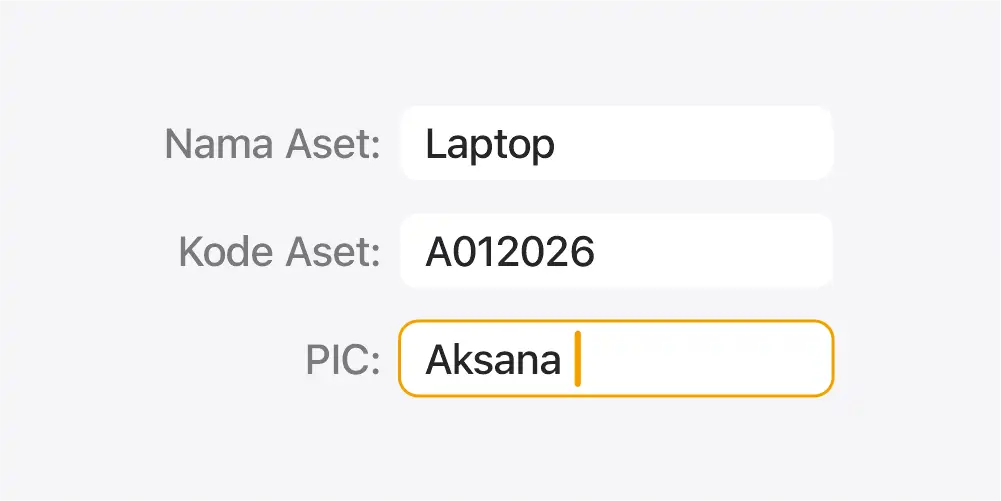
Validasi Field Wajib
Complete key data such as ID, location, custodian, and status
Import Bertahap & Uji Sample
Safe, staged import with results checked first
What You Receive
The migration output isn’t just imported data — it’s data that’s ready for daily operations
Clean & Structured Asset Data
Data that’s clean, consistent, and duplicate-free
Ready-to-Use Asset Register
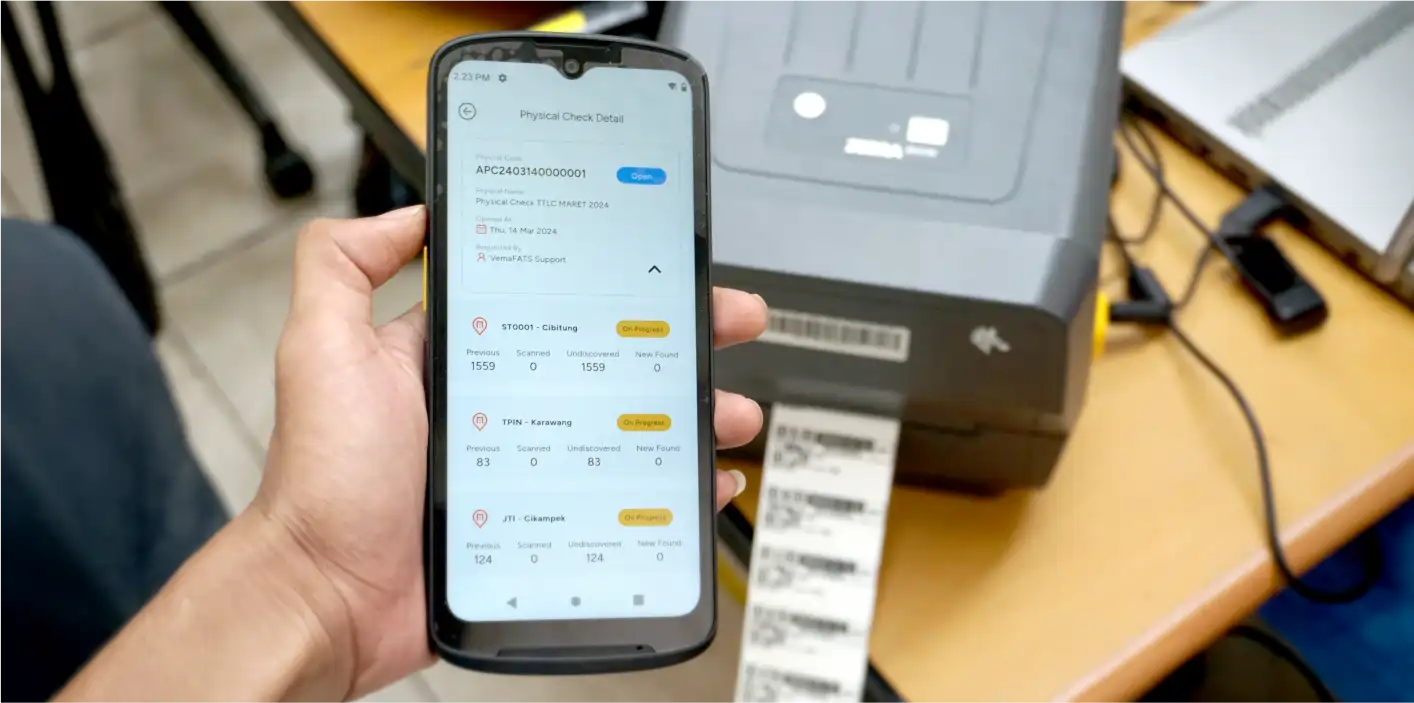
Assets are in the system and ready for daily operations
Master Data Template
A standard format to keep future data entry consistent
Log Perubahan / Ringkasan Cleansing
Cleanup notes: merges, duplicates, and key corrections
Our Data Migration Method
Simple step
01
Kumpulkan Data & Scope
Define the data source, number of assets, and the fields you want to use.
02
Data Structure Mapping
Map your legacy columns to the VemaFATS structure (category, location, custodian, etc.).
03
Cleansing & Standardisasi
Clean up formats, remove duplicates, and complete the required fields.
04
Import & Validasi
Import in stages, spot-check samples, and correct any mismatches.
05
Finalisasi & Handover
Hand over the final data + a standard template so future entries stay consistent.
FAQ
Asset Data Migration
Which data sources can be migrated to VemaFATS?
Asset data migration to VemaFATS supports various sources: Excel/CSV files, exports from accounting software or ERP (SAP, Oracle, Odoo, etc.), legacy asset-system databases, and even manual records that are digitized first. Our team maps the source data structure to the VemaFATS format so no important information is lost.
Can asset data scattered across many file versions be merged?
Yes. Data spread across many Excel versions is the most common case we handle. The VemaFATS team merges all versions, identifies duplicates, uses the latest version as the reference, and confirms conflicting data with you before finalizing it into the system.
Can asset data migration keep the old asset codes or IDs?
Yes. Old asset codes or IDs that your team is already familiar with can be retained in VemaFATS. The system can also store the old code as a reference while issuing a new, more structured code — both can be used for searching.
Does migration include tidying up asset categories and classifications?
Yes. The asset data migration process in VemaFATS includes tidying up categories, sub-categories, depreciation groups, locations, and other classifications according to the agreed standard.
Can new asset data still be entered during the migration process?
New asset data is entered after the migration is complete. Migration generally finishes within a matter of hours, so recording new assets can continue the same day.
Can data from an old system or software be migrated to VemaFATS?
Yes. Data from a legacy asset system or software — including acquisition history, book value, and accumulated depreciation in progress — can be migrated to VemaFATS so depreciation calculations continue without interruption.