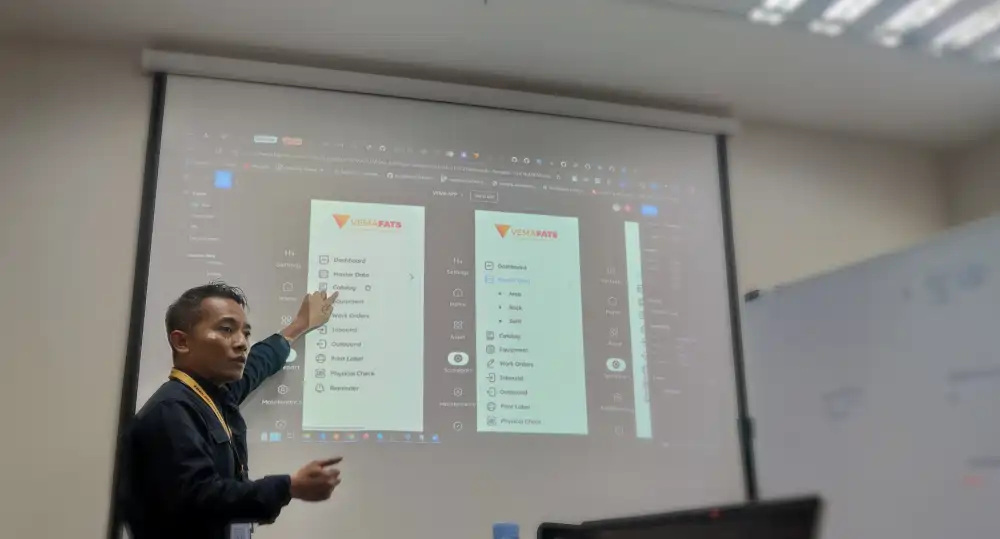
After implementation, the system is ready for daily use — not just “installed”
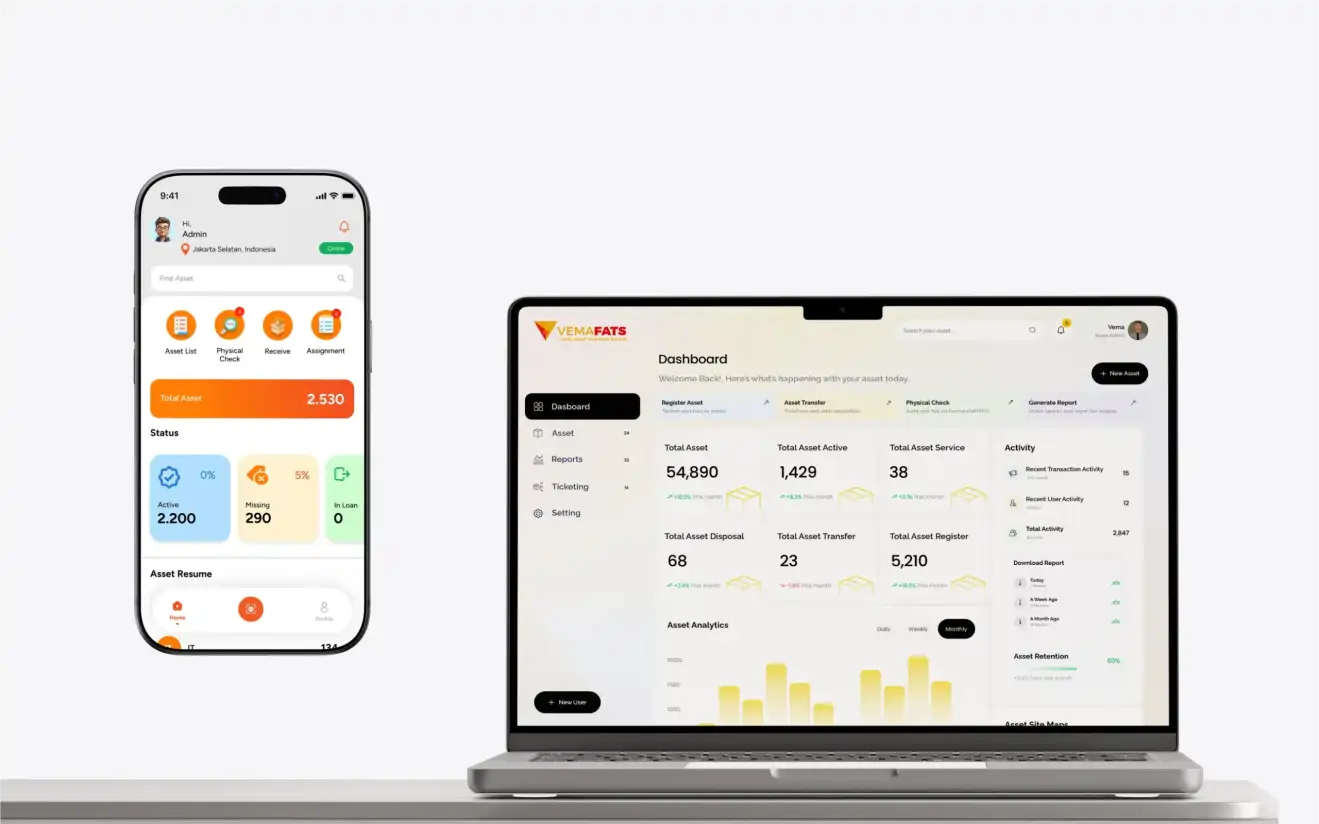
System Ready to Operate (Web + Mobile)
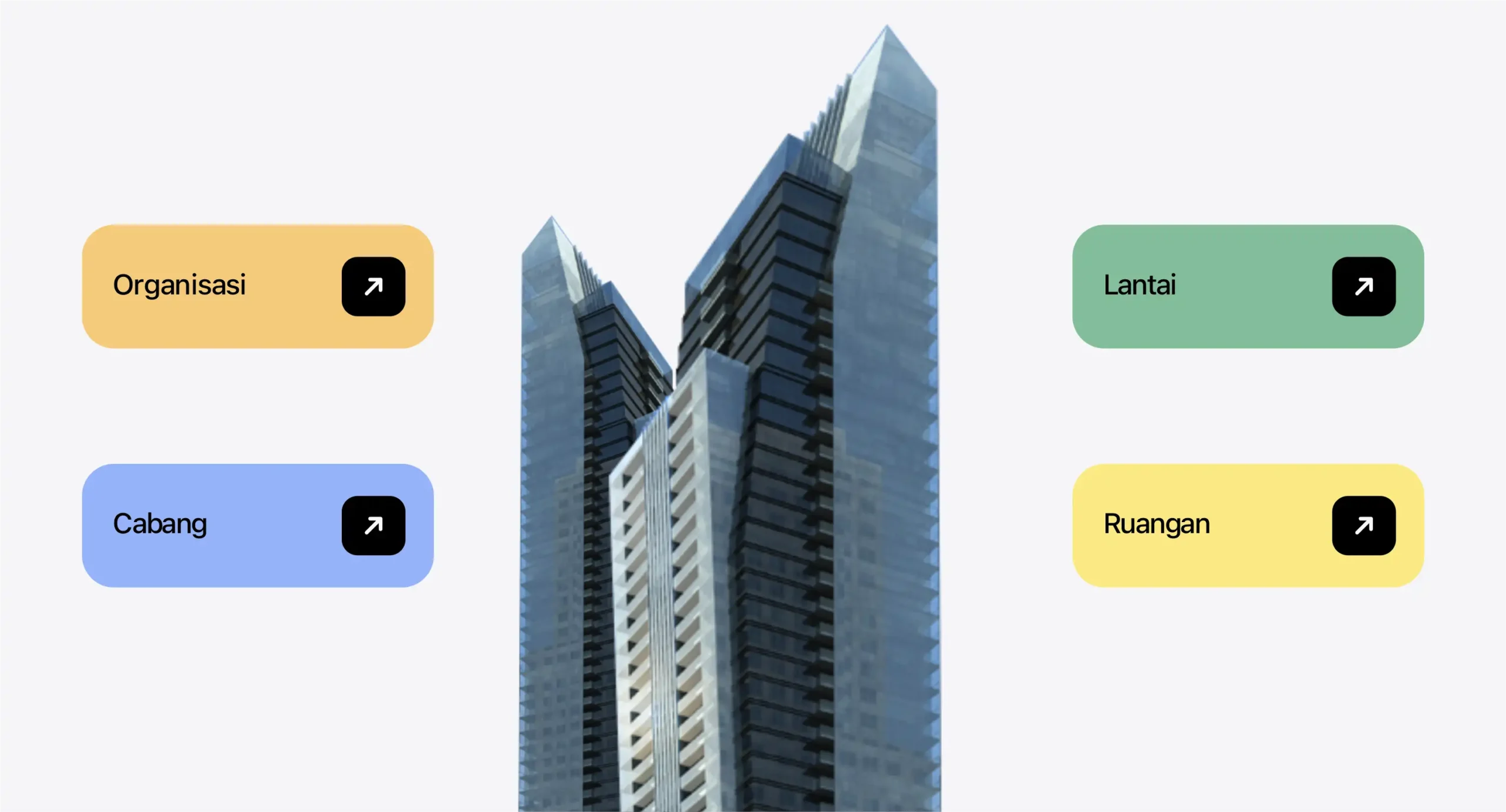
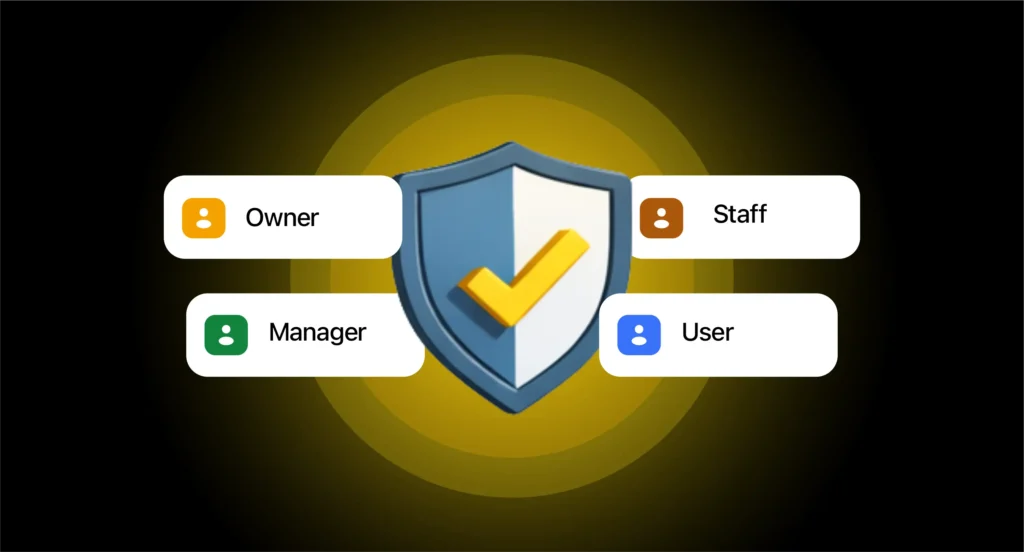
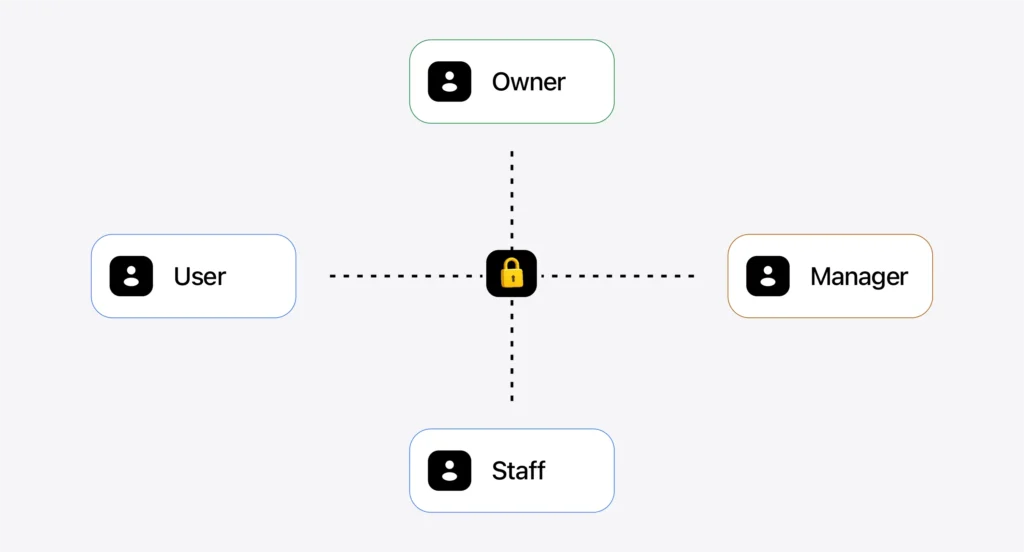
Location structure, users, roles, and active modules per your scope
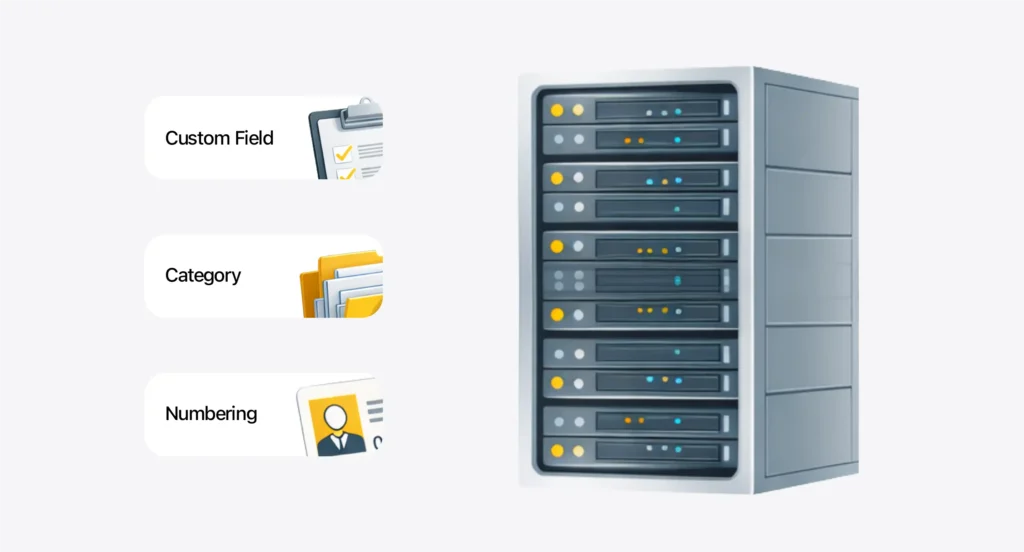
Data Templates & Master Data
Import templates/input formats + naming & category rules for consistency
Concise SOPs + Team Training
A short guide & admin/user training so you can start right away
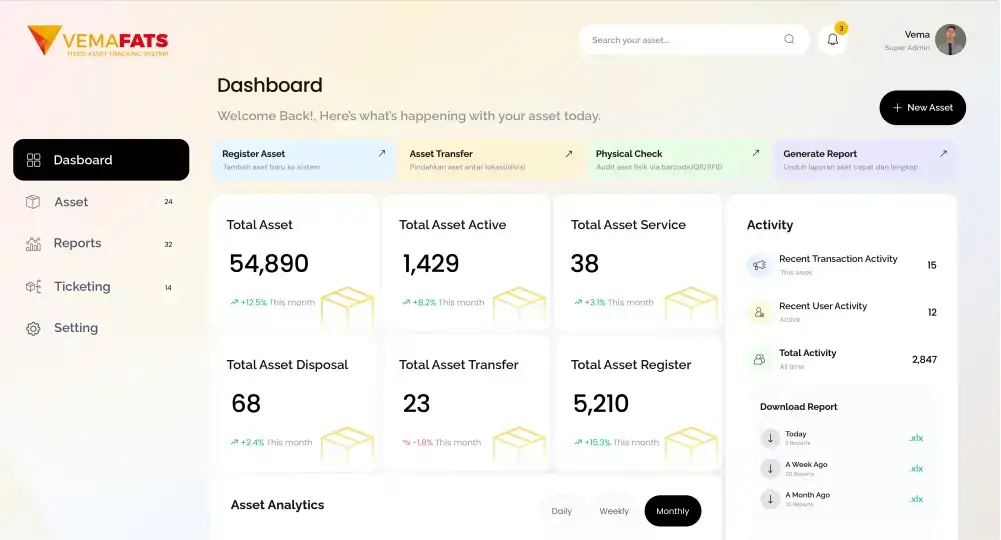
Ready-to-Use Dashboard & Reports
Core reports for asset control and audit/management needs
Setup Documentation & Handover
A configuration summary + best-practice usage recommendations.
Custom Modules
Features or modules that can be tailored to your business process flow
User Management
Manage unlimited user accounts. Add as many users as you need, with no limits.
Approval Management
Set approval patterns for various transactions
Data Sync
Data transactions can be synced to other applications that need them
CMMS
Plan, track, and optimize asset maintenance activities
CIP/AUC
The system can record and manage assets throughout the construction and assembly cycle
ROU with PSAK 73
Right of Use — a module for calculating lease-asset treatment in line with PSAK 73 accounting standards
Insurance
The insurance module manages asset-related insurance claim activities
Inventory
A system module for recording transactions of inventory-type items
FAQ
VemaFATS Implementation & Setup
Can the implementation of the VemaFATS asset management system be done in stages?
Yes. VemaFATS asset management implementation can be phased in gradually — for example starting from one department, one asset category, or one branch first, then expanding once the team is comfortable.
Can implementation still begin if the asset data is still messy?
Yes it can, and this is the situation we handle most often. The VemaFATS implementation team will help tidy up the data first: merging scattered Excel files and standardizing asset naming and categories. You don’t need to wait for clean data to start.
Does implementation include setting up QR Code, barcode, and RFID infrastructure?
Yes, labeling infrastructure setup is part of the implementation service. The VemaFATS team helps determine the right label type (QR Code, barcode, or RFID), prints and installs the labels, configures smartphone scanning devices or RFID readers, and ensures the entire scanning process runs smoothly in the field.
Can asset management implementation cover all data across multiple branches?
Yes. VemaFATS implementation supports multi-branch and multi-location companies in one centralized system. The location structure is arranged hierarchically (branch → building → floor → room), and user access is set per branch.
Can the asset report templates be customized to the company's needs?
Yes. VemaFATS report formats can be adapted to the templates your company usually uses — for example asset report formats for management, auditors, or PSAK/tax-reporting standards.
Is there software training for the internal team?
Yes. Every VemaFATS implementation package includes training for your team. User guides and support-team assistance after go-live are also available.