School Asset Management from VemaFATS is an effective solution to record, track, and maintain education assets — fast, accurate, and accessible anytime.
Key Features for Schools & Educational Institutions
Why VemaFATS software can be your choice
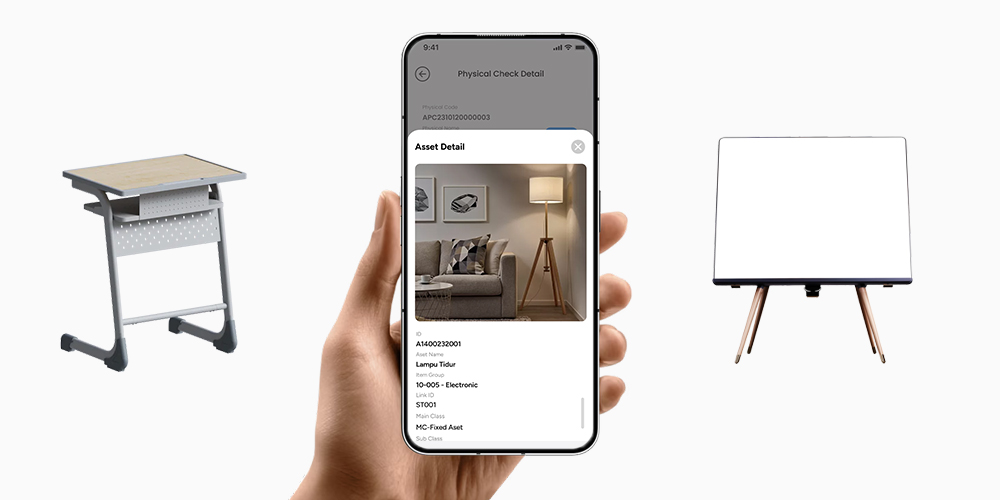
Detail Asset & Custom Field
Complete data to fit your facilities’ needs
Assignment & Transfer
Room-to-room movements + clear custodian
Real-Time Audit / Physical Check
Fast scans, no manual recap
Maintenance Info
Service history, warranty, damage notes
Cara Kerja
Bagaimana VemaFATS School Bekerja?
VemaFATS helps your school in four easy steps:
01
Instalasi & Setup
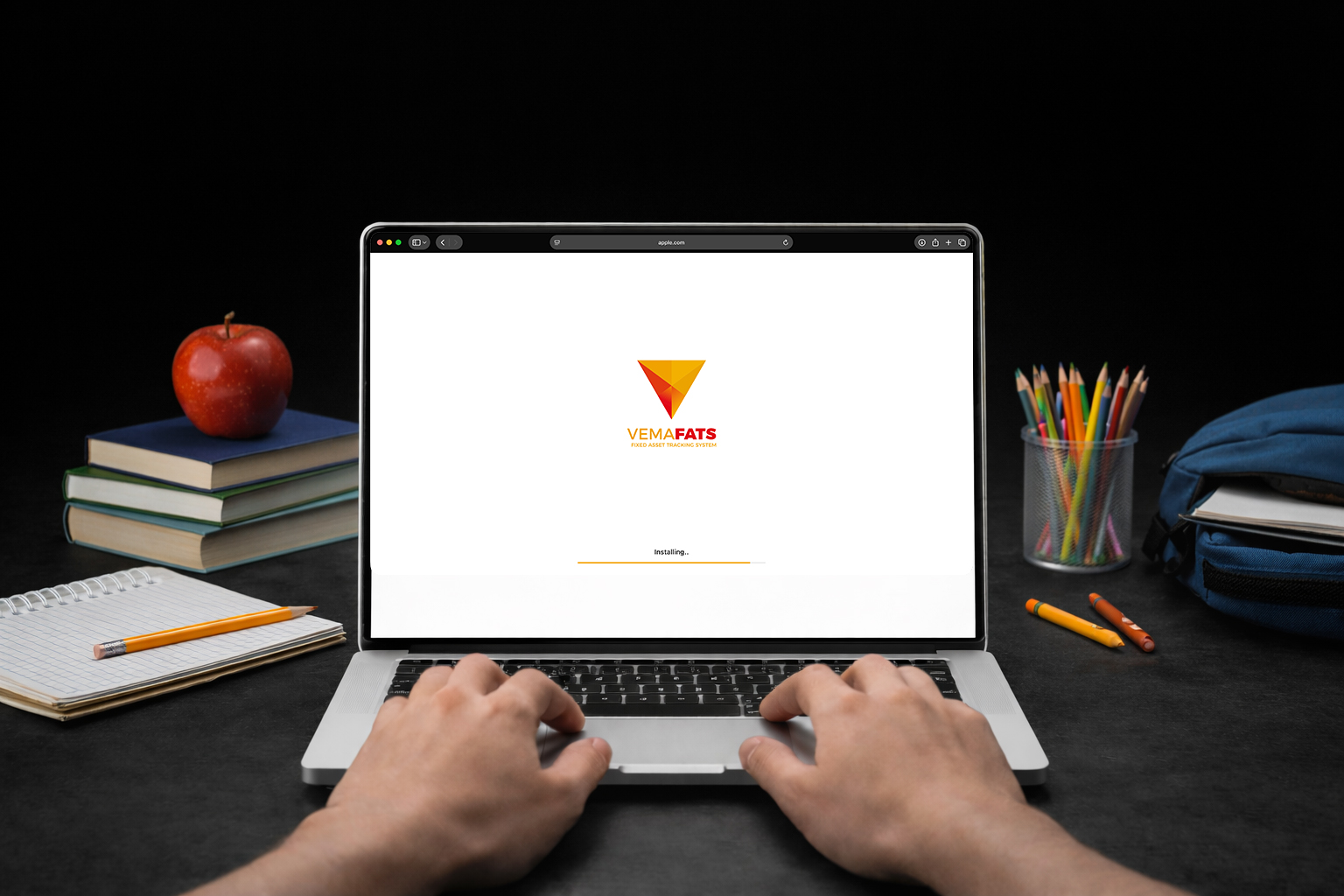
Build your school structure: buildings, floors, classrooms, labs, library, storage, and facilities units. Set asset categories (IT, lab, sports, furniture, etc.), data fields, and role-based access (admin, facilities, lab head).
02
Print & Apply Asset Labels
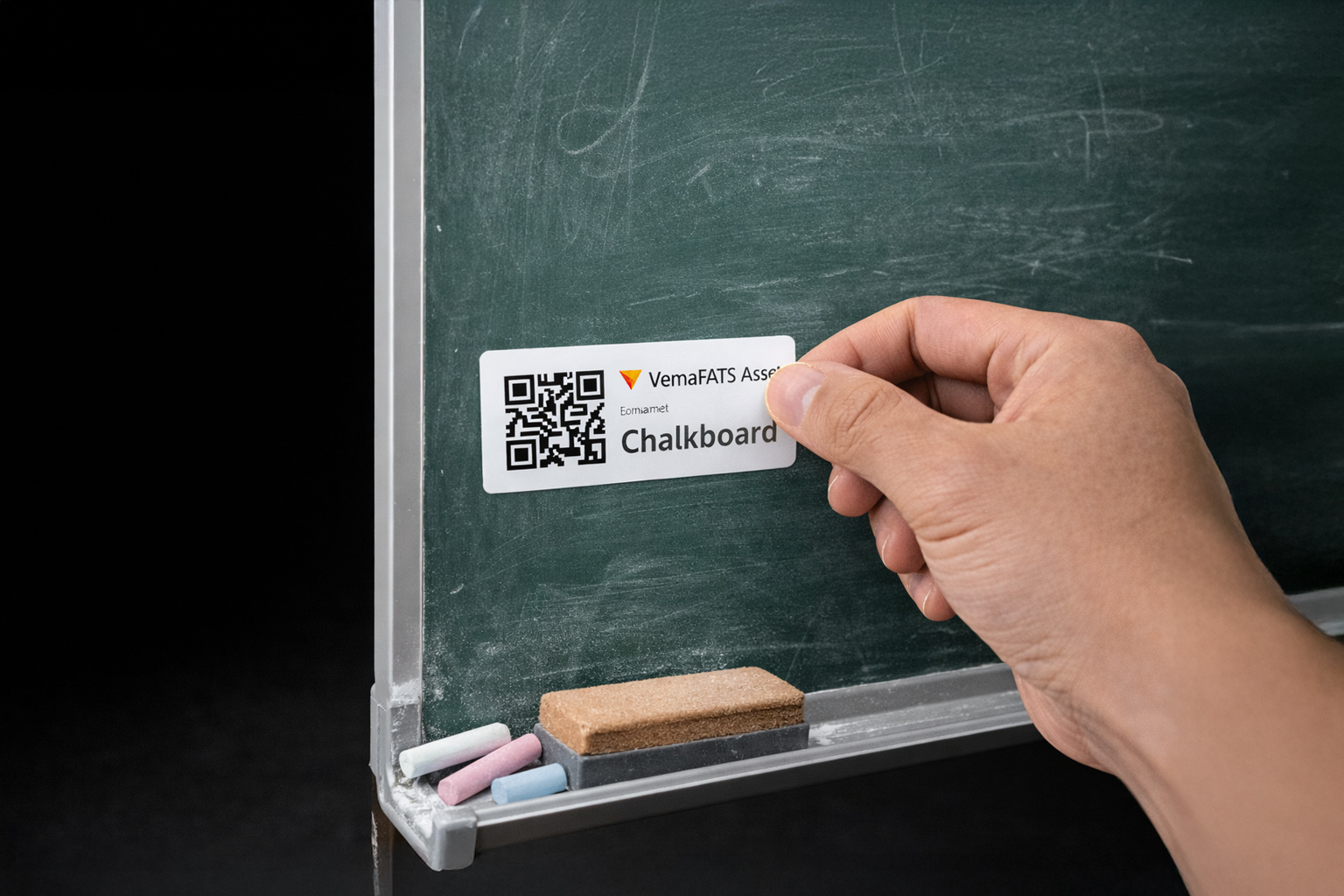
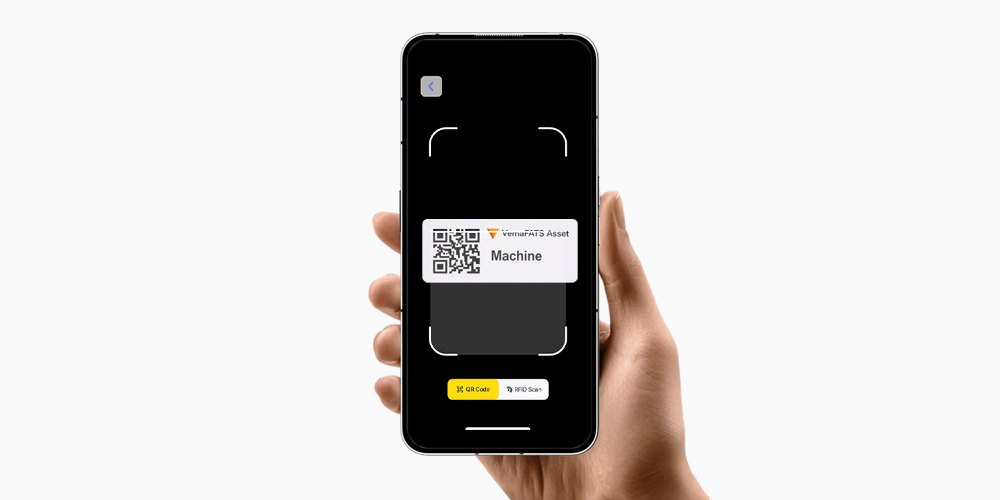
Each asset gets a unique QR/Barcode identity. Labels are applied to assets like projectors, laptops, lab equipment, musical instruments, and furniture. The result: assets are no longer “nameless” and easy to verify during checks.
03
Pindai & Perbarui Data
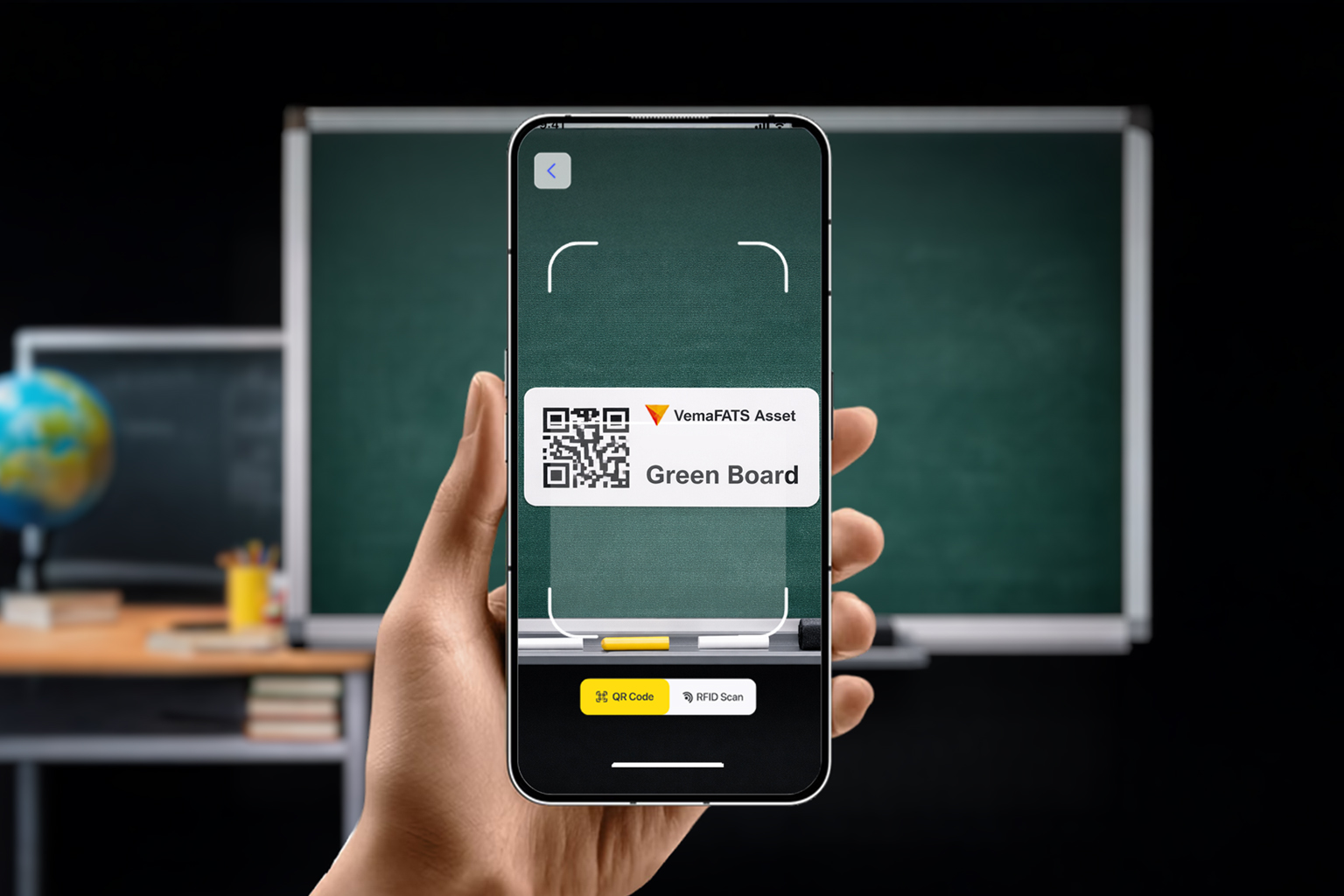
Staff simply scan to update location (room), condition (good/damaged), status (in use/stored/servicing), and loan notes. Changes are saved in real time so data is always up to date.
04
Real-Time Reporting & Export
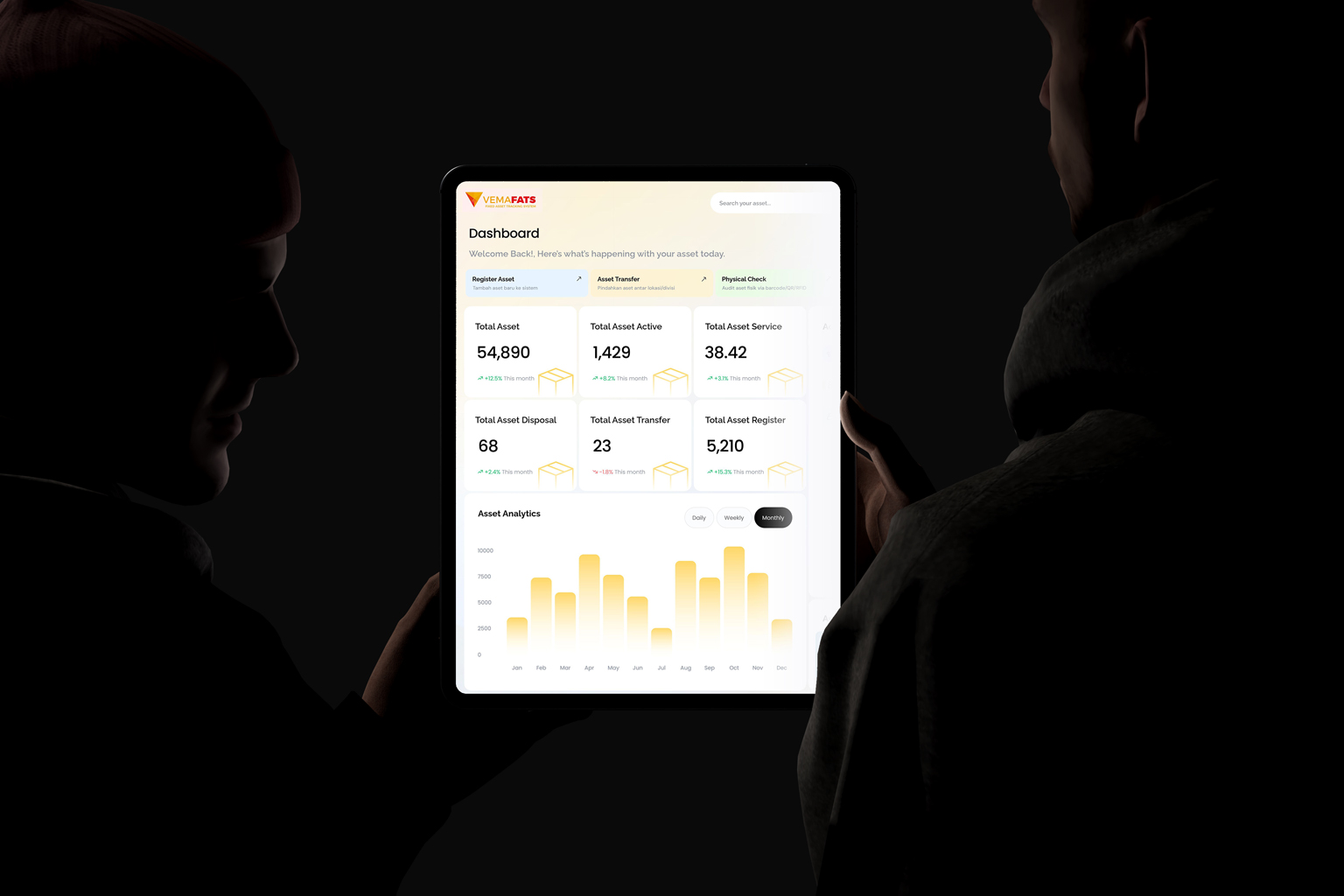
Pull inventory reports by room, lists of damaged and missing assets, and movement history. Export to Excel/Google Sheets for school reporting, internal audits, or education-office requirements.
Perubahan
What Changes After Using VemaFATS?
Cleaner inventory, faster checks, and better control over losses.
Cleaner school inventory
One data source for all facility assets — no more messy Excel versions.
Faster physical counts
Scan QR/Barcode right in the room; results update automatically.
Assets easy to find
Search assets by name, code, room, or person in charge.
Maintenance under better control
Service history, condition, and damage notes are neatly recorded.
Fewer discrepancies & losses
Asset movements leave a trail, making investigations easier.
FAQ
Frequently Asked Questions (FAQ)
School Asset Management Software
Which school assets can be recorded in VemaFATS?
VemaFATS school asset management software can record all school facilities and infrastructure: desks and chairs, computers and lab devices, projectors, teaching aids, library books and collections (as assets), sports equipment, AC, and even school vehicles. Each asset is recorded with its location, condition, funding source (BOS/foundation/grant), and acquisition value.
Can assets be recorded per classroom or laboratory?
Yes. The location structure in VemaFATS can be arranged down to the room level — classrooms, laboratories, library, teachers’ room, hall, and so on. Physical counting per room is done simply by scanning the asset’s QR Code with a phone, so checking each room’s facilities is fast and accurate.
Can VemaFATS be used for schools with many buildings or multiple campuses?
Yes. VemaFATS supports schools and education foundations with many buildings, multiple campuses, or multiple units (kindergarten, elementary, junior high, senior high) in one centralized system. Each unit has its own data and access rights, while the foundation can view consolidated reports of all assets across every location.
Can school asset reports be exported?
Yes. Reports of facility lists per room, asset condition, physical count results, and depreciation can be exported to Excel and PDF — ready for reporting to the foundation, school accreditation, or BOS-fund accountability.
Our Client
Our company was founded in 2015. We work daily to become better and we are ready to share best practices.